Track time against clients, projects and tasks, approve weekly timesheets in one view, and turn logged hours into cost, utilisation and billing. The timesheet management software feeds approved time straight to payroll, so nothing is counted twice.
Everything a timesheet management software should do
Time entry, approvals, cost, utilisation and billing in one flow, built for services and project teams in India.
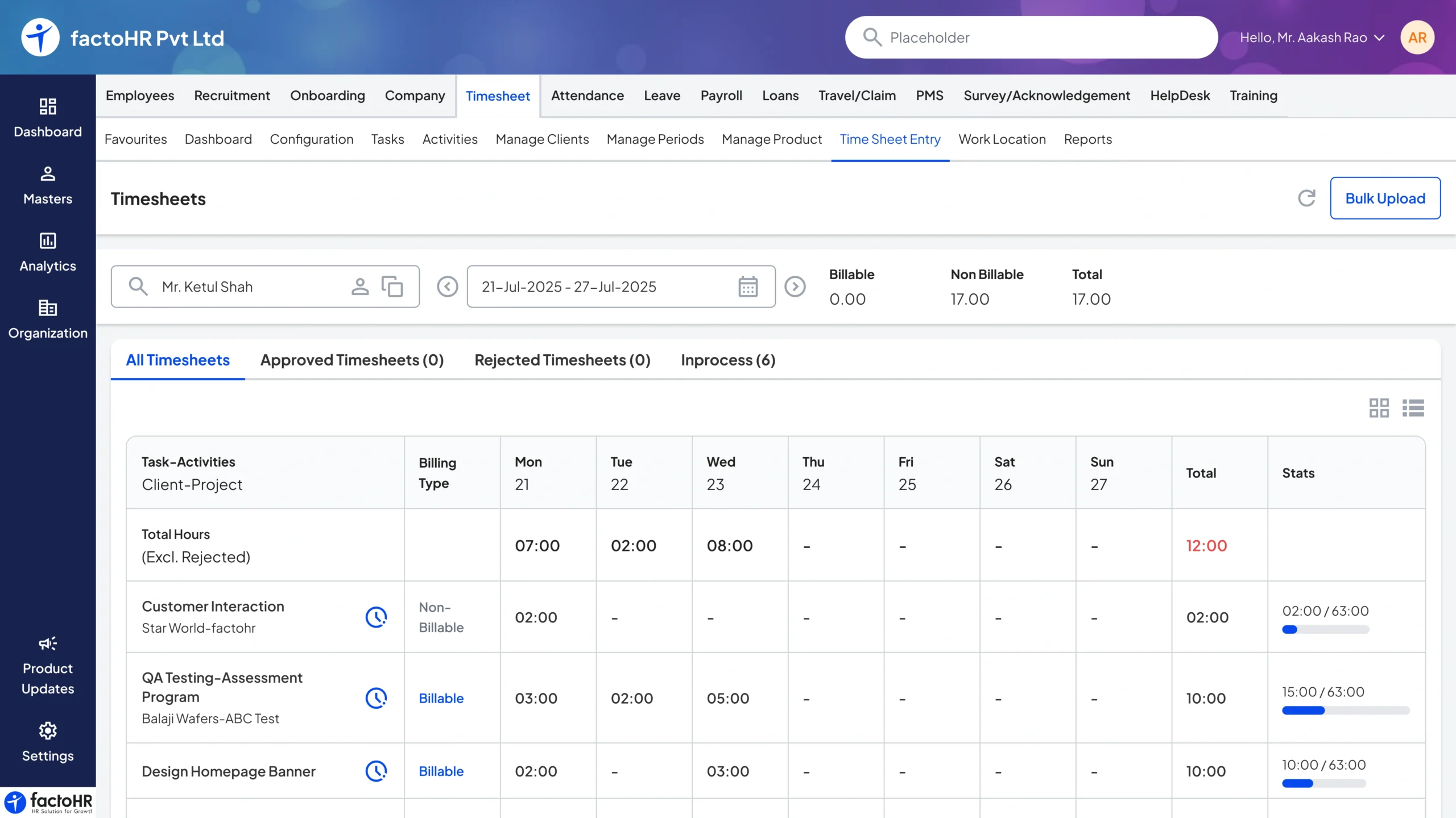
Project time tracking
Log hours against clients, projects and tasks from web or mobile.
Client, project and task entry
Daily and weekly views
Web and mobile logging
Billable and non-billable
Split billable from non-billable time for accurate client billing.
Billable flags per task
Rate cards per project
Clean input for invoices
Timesheet approvals
Managers review and approve weekly timesheets in a single view.
Weekly approval view
Reject and resubmit
Approval history kept
Utilisation reports
See team utilisation, capacity and idle time at a glance.
Utilisation and capacity
Billable ratio per person
Idle-time visibility
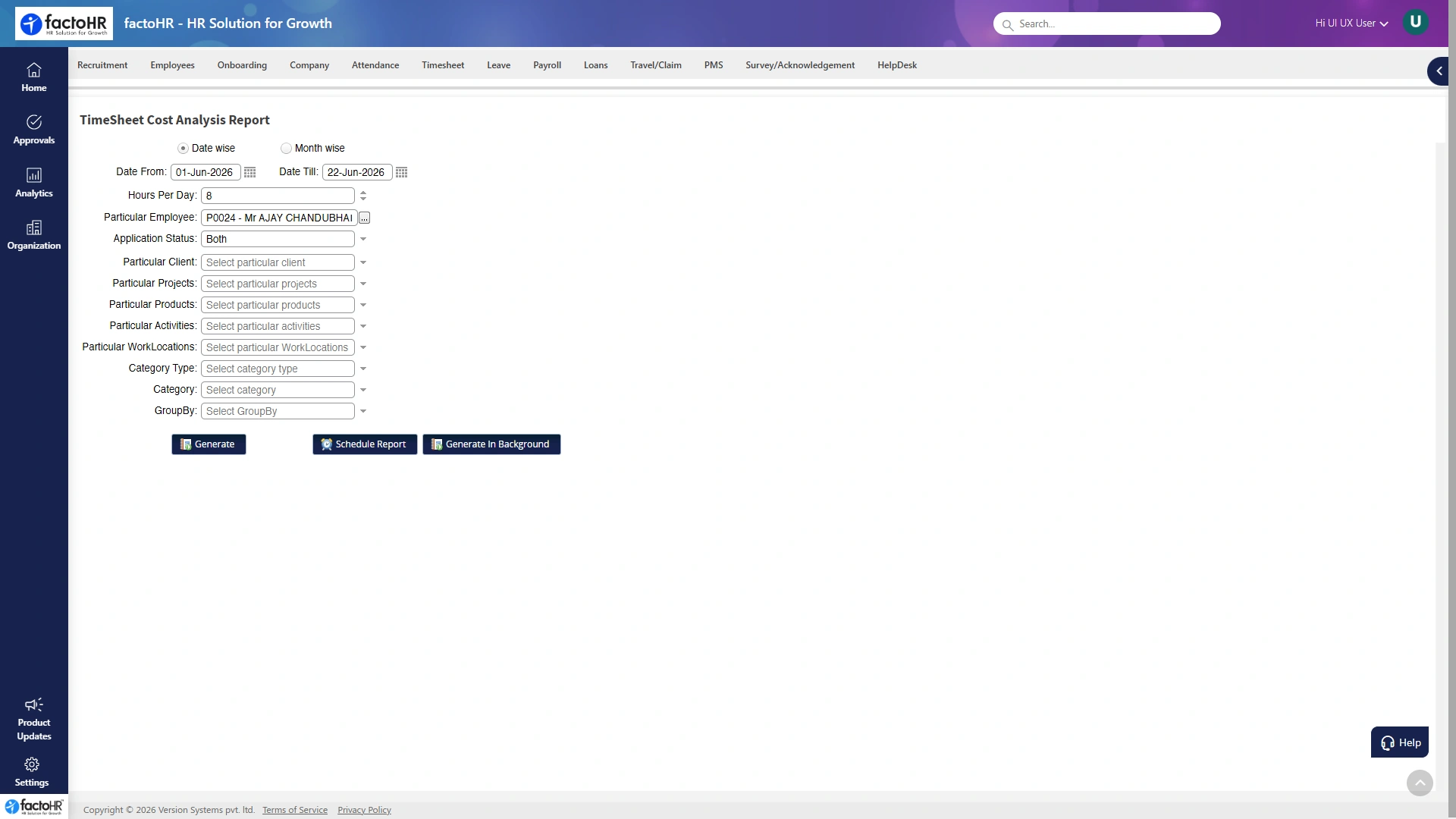
Cost and margin
Compare logged cost against budget to protect project margins.
Cost analysis per project
Budget versus actual
Margin alerts
Payroll and billing
Approved hours feed payroll inputs and client billing alike.
Approved time to payroll
Billing-ready hour totals
No double entry
The flow
From a logged hour to cost and pay
Every hour follows the same path, so the same entry becomes a cost figure, an invoice line and a payroll input without being typed again.
Log hours
Time entered against project and task.
Submit
Weekly timesheet sent for review.
Approve
Manager approves in one view.
Cost analysis
Hours costed against budget.
Bill and pay
Feeds invoices and payroll.
Mapped to projects
Planned vs logged
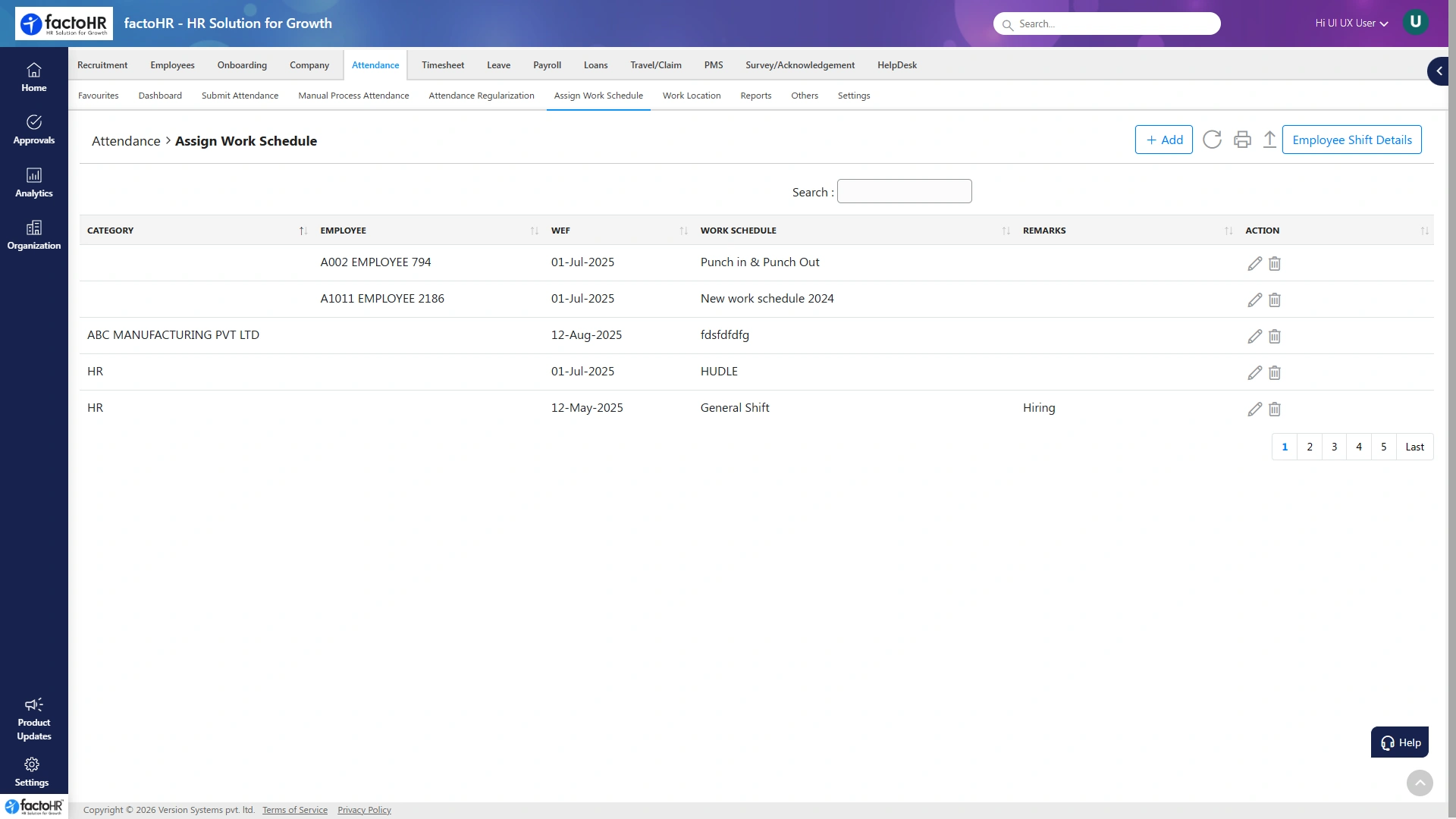
Schedules and assignment
Set who works on what, before the clock starts
Assign work schedules and map people to projects, so time is logged against the right task from day one, ready for approval.
Schedules per teamBy team and role.
Mapped to projectsPeople to projects and tasks.
Planned vs loggedCompare plan with reality.
Ready for approvalStraight into the weekly view.
Logged vs approved
Exportable
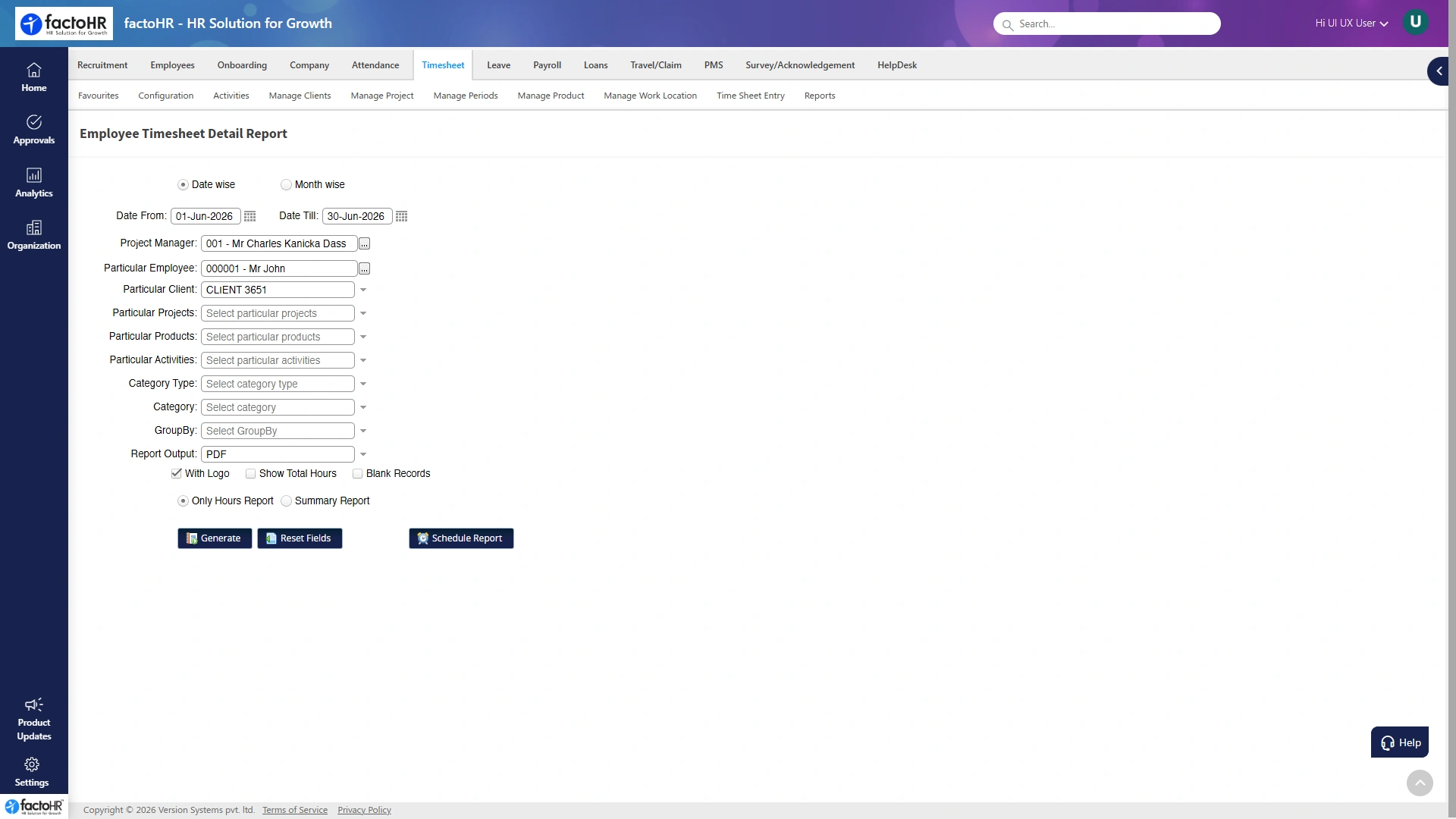
Timesheet reports
Every hour, accounted for in a report
See exactly where time went, by employee, project or client, so finance and delivery leads work from the same numbers instead of chasing people for updates.
Employee and project reportsLogged versus approved hoursBillable and non-billable breakdownExportable for finance and clients
Budget vs actual
Overruns flagged early
Cost and margin
Catch an overrun before it eats the margin
Logged hours become a cost figure the moment they are approved, so a slipping project shows up while there is still time to act, not at the invoice stage.
Cost per projectHours costed against budget.
Budget vs actualBoth in one view.
Early overrun signalBefore the invoice stage.
Protects marginAct while there is still time.
Why it works
One entry, counted once
By projectTime logged where it belongs
ApprovedWeekly review in one view
CostedBudget versus actual, live
To payHours feed payroll and billing
Customer stories
Services teams that see where time goes
“
We used to guess billable hours at month-end from memory. Now people log time against tasks daily, managers approve weekly, and the billing and payroll numbers come from the same approved hours.
VJ
Delivery ManagerIT services firm
“
The cost analysis is what changed things. We can see a project slipping against budget mid-month and act on it, instead of finding out when the invoice looks wrong.
SR
Finance HeadConsulting company
Security
Your time data, protected
Role-based access, encryption in transit and at rest, and audit trails on every action, backed by independent certifications.
What can employees track time against?
Clients, projects and individual tasks, logged from web or mobile on a daily or weekly view.
Can we separate billable hours?
Yes. Billable and non-billable time are split, with rate cards per project, so billing totals are accurate.
How do approvals work?
Managers review and approve weekly timesheets in a single view, with reject, resubmit and full approval history.
Can we see project cost and margin?
Yes. A cost analysis report compares logged cost against budget, so overruns show up while you can still act.
Does it connect to payroll and billing?
Yes. Approved hours feed payroll inputs and client billing from the same numbers, with no double entry.
Does it work with the rest of HR and payroll?
Yes. Timesheets sit on the same platform as core HR, attendance, leave and payroll, so people and time data stay in sync.
HR & Payroll, one platformSimplify people ops for your team